
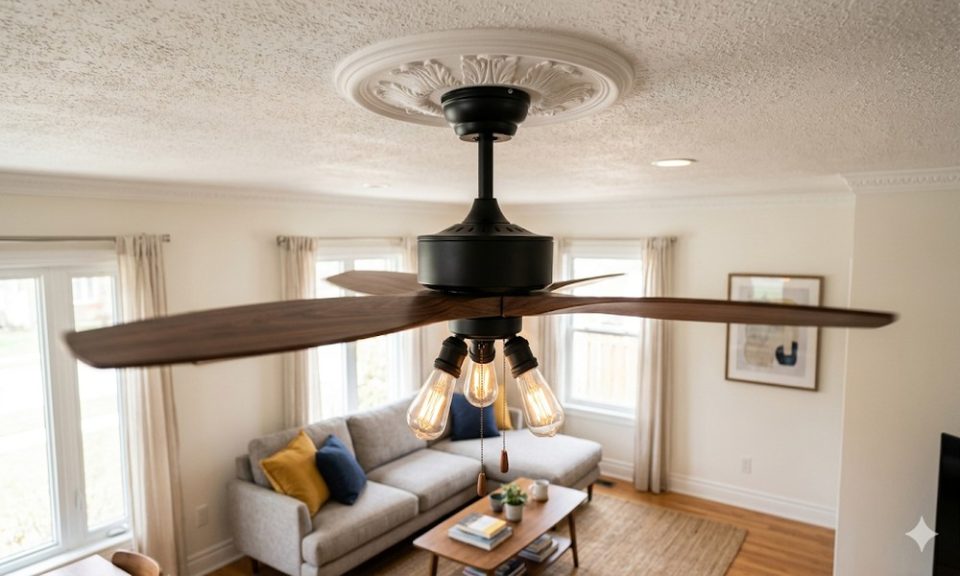
There’s something oddly relaxing about a ceiling fan doing its job quietly in the background. But the moment that gentle hum turns into a rattle, a click, or a grinding sound – that relaxation disappears fast. A noisy ceiling fan isn’t just annoying, it’s a sign that something needs attention.
The good news? Most fan noises have simple fixes. Here’s how to track down the problem and sort it out.
Why Is Your Fan Making Noise?
Before grabbing a screwdriver, it helps to know what you’re dealing with. Ceiling fan noise usually comes down to one of these reasons:
- Loose screws or fittings in the blade arms or motor housing
- Dust buildup causing blade imbalance
- Improper installation or a loose mounting bracket
- Worn-out bearings or an ageing motor
- Poor quality parts that have simply given up over time
Different noises point to different problems. A humming sound usually means motor or electrical vibration. Clicking typically points to a loose screw or a misaligned blade. Buzzing can come from incorrect wiring or a dimmer switch that isn’t compatible. Grinding signals worn bearings. Rattling usually means the fan isn’t mounted properly.
Identify the noise first – then fix what’s actually causing it.
How to Fix a Noisy Ceiling Fan
Tighten Every Screw You Can Find
This is where to start, always. Switch off the fan, let it stop completely, and then check the blade screws, motor housing screws, downrod, and mounting bracket. Even one slightly loose blade arm can throw off the entire rotation and create noise you’d never expect from something so small.
Clean the Blades
Dust doesn’t seem like a big deal until it builds up unevenly across the blades. That uneven weight is enough to cause wobbling, which causes noise. A quick wipe-down every few weeks keeps the balance right and the fan running smoothly.
Check Blade Alignment
Use a measuring tape to check whether all blades sit at the same distance from the ceiling. A single blade that’s even slightly bent or tilted will cause a rhythmic tapping that gets worse at higher speeds. Most blade brackets can be gently bent back into position.
Oil the Motor and Bearings
If you’re hearing a grinding or squeaking sound, a few drops of oil in the motor and bearings can make a noticeable difference. Check your fan’s manual first – not every model requires oiling, and using the wrong oil can do more harm than good.
Check the Mounting
A fan that isn’t secured firmly to its ceiling bracket transfers every vibration directly into the ceiling and that vibration comes back as noise. Make sure the bracket is tight against the ceiling and the fan is properly locked in.
When Fixes Stop Working
If you’ve gone through everything above and the fan is still noisy, the honest answer is that the motor is probably worn out. Older induction motor fans get louder with age – it’s simply how they’re built.
This is where switching to a BLDC fan makes real sense. Brushless motors run quieter by design, consume up to 65% less electricity, and don’t develop the same wear and tear over time. No humming, no buzzing, no grinding – just steady, silent airflow.
Sometimes the smartest fix isn’t a repair. It’s an upgrade.
